
Estimated reading time: 11 minutes
Key Takeaways
- SPF, DKIM, and DMARC are the technical foundation that determines whether investor emails reach the inbox or vanish into spam.
- Mailbox providers treat unauthenticated senders with suspicion before the subject line is even read.
- All three protocols must be configured together and must align with your visible “From” domain.
- Every platform sending on your behalf — CRM, sequencing tool, or email marketing platform — needs its own authentication setup.
- Authentication is the floor, not the ceiling — content, volume, and domain reputation still matter.
Table of contents
- Your Investor Emails Are Landing in Spam – Here’s Why
- Key Takeaways
- Why Email Authentication Matters for Investor Outreach
- The Three Core Email Authentication Protocols
- How SPF, DKIM, and DMARC Work Together
- Common Founder Email Setups
- Step-by-Step Technical Setup for Investor Email Authentication
- Troubleshooting: Why Investor Emails Still Go to Spam
- Founder-Specific Scenarios
- When to Use a Subdomain for Investor Outreach
- Email Deliverability Best Practices Beyond Authentication
- Common Mistakes Founders Make
- Authentication Checklist Before Emailing Investors
- Useful Technical Tools
- Recommended Order of Operations for Founders
- Authentication Is the Foundation – Not the Finish Line
- Frequently Asked Questions
Your Investor Emails Are Landing in Spam – Here’s Why
You spent hours crafting the perfect pitch email. You researched the investor. You personalized every line. Then it went straight to spam.
This is not uncommon. SPF, DKIM, and DMARC for investor emails is one of the most overlooked technical areas in fundraising – and one of the most damaging when it goes wrong.
Email authentication is the first technical layer that mailbox providers like Gmail and Outlook use to decide whether your message is legitimate. Without it, even well-written, personalized investor outreach can be silently filtered, quarantined, or flagged before it ever reaches an inbox.
This guide explains what SPF, DKIM, and DMARC are, how to configure them correctly for your founder domain, and how to troubleshoot deliverability problems before they derail your fundraising.
One important clarification upfront: authentication does not guarantee inbox placement. But it is the non-negotiable technical foundation. Without it, nothing else matters.
Why Email Authentication Matters for Investor Outreach
Investors receive enormous volumes of email every day – cold pitches, warm intros, investor updates, follow-ups, and pitch deck links. Their inbox providers are aggressive about filtering.
Mailbox providers use domain authentication to assess whether a sender is trustworthy. If your domain fails basic authentication checks, your emails are treated with suspicion before the subject line is even read.
Poorly configured or missing authentication records can cause investor emails to:
- Go directly to the spam folder
- Be quarantined or silently dropped
- Trigger security warnings inside the inbox
- Fail DMARC checks and damage your domain reputation
- Show the investor a “this message looks suspicious” warning
Investor emails often contain links to pitch decks, calendar scheduling tools, data room access, and file attachments. These elements already resemble promotional or marketing mail. Without strong authentication, there is very little signal to tell inbox providers your message is legitimate business correspondence, especially given how easy it is to trigger spam filters in cold outreach.
The Three Core Email Authentication Protocols
SPF – Sender Policy Framework
SPF defines which mail servers are authorized to send email on behalf of your domain. It works at the DNS level, where you publish a list of approved sending sources.
When a receiving mail server gets your email, it checks whether the server that sent it matches your published SPF record. If it does not, the message fails SPF.
This matters especially when you send from tools like Google Workspace, Microsoft 365, Apollo, HubSpot, Mailchimp, SendGrid, or any CRM. Each of those platforms sends mail from its own infrastructure, and your SPF record needs to include them explicitly.
DKIM – DomainKeys Identified Mail
DKIM adds a cryptographic digital signature to outgoing emails. The signature travels with the message and lets the receiving server verify two things:
- The message was sent by an authorized system
- The content was not altered in transit
This is especially important when investor emails pass through third-party platforms. DKIM proves the message integrity has been maintained throughout delivery.
DMARC – Domain-based Message Authentication, Reporting, and Conformance
DMARC is the policy layer that sits on top of SPF and DKIM. It tells receiving servers what to do when authentication checks fail:
- p=none – Monitor only, take no action
- p=quarantine – Send failing messages to spam
- p=reject – Block failing messages entirely
DMARC also sends aggregate reports back to you, giving visibility into what is sending mail on behalf of your domain. This is invaluable for detecting misconfigurations and unauthorized senders.
How SPF, DKIM, and DMARC Work Together
Think of the three protocols as layers working in sequence:
- SPF checks whether the sending server is authorized
- DKIM checks whether the message signature is valid
- DMARC checks whether SPF or DKIM aligns with your visible “From” domain
DMARC requires at least one of those checks to pass and align with the domain shown in your “From” address. Passing SPF without alignment can still cause a DMARC failure.
This is a critical point for founders using third-party outreach tools. A tool might send the email using its own infrastructure. SPF may technically pass for that tool’s domain, but if it does not align with your “From” domain, DMARC still fails.
DKIM alignment is generally more reliable for third-party sending platforms. When you configure DKIM correctly through the platform, the signing domain can align with your “From” domain even when the infrastructure is external.
Do not treat SPF, DKIM, and DMARC as separate isolated settings. They are a system. All three need to be configured together.
Common Founder Email Setups
Different founders send investor emails in different ways. Here are the most common setups and what each requires:
- Google Workspace or Microsoft 365 only – SPF and DKIM are available natively but must be explicitly configured. They are not automatic.
- CRM or outreach platform like Apollo or HubSpot – The platform must be added to your SPF record and authenticated with DKIM separately.
- Investor updates through Mailchimp or similar tools – The email marketing platform must be included in SPF and authenticated with DKIM. These tools often provide CNAME-based DKIM records.
- Multiple tools from the same domain – Every active sender must appear in SPF, and every platform must have DKIM enabled. This is where most founders develop gaps.
- Personal founder address like
[email protected]– The primary domain is the reputation asset. Protect it carefully. - Separate subdomain like
investors.company.com– A subdomain can isolate outbound fundraising campaigns from your main domain reputation, but it must be authenticated independently with its own SPF, DKIM, and DMARC setup.
Step-by-Step Technical Setup for Investor Email Authentication
Step 1: Identify Every Platform Sending Email for Your Domain
Before touching DNS, audit every tool that sends email on your behalf. This typically includes:
- Google Workspace or Microsoft 365
- CRM platforms (HubSpot, Salesforce, Pipedrive)
- Sales engagement or sequencing tools (Apollo, Outreach, Lemlist)
- Email marketing platforms (Mailchimp, Klaviyo, Beehiiv)
- Transactional email providers (SendGrid, Postmark, Mailgun)
If a tool sends email from your domain and is not in your SPF record, that mail may fail authentication.
Step 2: Configure SPF
Build a single consolidated SPF TXT record in your DNS that includes every authorized sender.
Example structure:
v=spf1 include:_spf.google.com include:sendgrid.net -all
Critical rules:
- Only one SPF record can exist per domain. Multiple
v=spf1records cause a permanent SPF error. - SPF has a 10 DNS lookup limit. If your record includes too many services, it may exceed this limit and break authentication.
- The
-allsuffix means all other senders are rejected. Using~allis a softer fail and can be appropriate during testing.
Step 3: Configure DKIM
DKIM setup starts inside each sending platform, not in DNS.
- Go to the admin console of Google Workspace, Microsoft 365, or the third-party tool.
- Generate the DKIM key pair.
- Copy the TXT or CNAME record value the provider gives you.
- Publish it in DNS at the exact selector name specified (for example,
google._domainkey.company.com). - Return to the provider dashboard and enable DKIM signing.
Adding the DNS record alone is not enough. DKIM must also be activated inside the platform dashboard, or the signature will not be applied to outgoing messages.
Step 4: Configure DMARC
Start with a monitoring-only policy. Do not begin with strict enforcement.
Starter DMARC record:
v=DMARC1; p=none; rua=mailto:[email protected]
This tells receiving servers to take no action on failures, but sends aggregate reports to your specified address. Review those reports to identify which senders are passing or failing before tightening the policy.
Once you confirm all legitimate senders are authenticating correctly, move to:
v=DMARC1; p=quarantine; rua=mailto:[email protected]; pct=100
And eventually to p=reject once you are fully confident.
Step 5: Test Authentication
After setting up all records and allowing up to 48 hours for DNS propagation:
- Send a test email from each platform you use
- Open the message and inspect the full email headers
- Look for SPF pass, DKIM pass, and DMARC pass
- Verify that the authenticated domain aligns with your “From” address
- Use deliverability testing tools to confirm inbox placement and authentication status
Troubleshooting: Why Investor Emails Still Go to Spam
If authentication is in place and emails are still landing in spam, work through this list:
- SPF is missing, duplicated, or broken – Check DNS for multiple SPF records and merge them into one.
- SPF exceeds the 10-lookup limit – Audit your
includemechanisms and remove any unused senders. - DKIM DNS record exists but DKIM is not enabled in the platform – Log into each sending platform and confirm DKIM signing is active.
- DMARC fails because of misalignment – The SPF or DKIM domain does not match the visible “From” domain. DKIM alignment through the platform usually resolves this.
- A tool is sending mail that is not in SPF or DKIM – Run a full audit of sending sources and add any missing platforms.
- The domain is new with no sending history – A brand new domain has no reputation. Inbox providers treat it with suspicion regardless of authentication.
- Sending volume increased too quickly – A sudden spike in outbound volume looks automated and triggers spam filters.
- Emails contain spam signals – Too many links, large attachments, aggressive subject lines, or image-heavy formatting.
- Pitch deck links use untrusted file-sharing services – Use reputable, recognizable platforms for document sharing.
- High bounce rates – Bounced emails damage domain reputation over time. Keep contact lists clean.
For more detail on these behaviors, see this guide on how to avoid spam filters in cold outreach, this resource on the email warm-up process, and this domain reputation and email warm-up guide.
Founder-Specific Scenarios
“I use Google Workspace and Apollo for investor outreach.”
You need SPF to include both Google’s and Apollo’s sending infrastructure. You also need DKIM enabled separately in Google Workspace and in Apollo. DMARC should monitor both to confirm alignment.
“I send investor updates through Mailchimp.”
Mailchimp sends from its own servers using your domain. You must add Mailchimp’s include value to your SPF record and add the CNAME-based DKIM records Mailchimp provides into your DNS.
“My pitch deck emails are going to spam.”
Check authentication first. Then check content signals – too many links, suspicious redirect URLs in your pitch deck link, or aggressive subject lines. Use a reputable hosting platform for the deck itself.
“My DMARC report shows failures from unknown sources.”
An unknown source is sending mail using your domain. This could be a misconfigured tool, a forgotten platform, or spoofing. Investigate immediately and add legitimate senders to SPF/DKIM or tighten DMARC policy.
“I just changed domains before fundraising.”
A brand new domain has zero reputation. Warm it up gradually before sending investor outreach. Configure SPF, DKIM, and DMARC from day one, and build sending volume slowly over several weeks.
When to Use a Subdomain for Investor Outreach
Using a subdomain like investors.company.com or mail.company.com for scaled outbound fundraising campaigns can protect your root domain’s reputation.
Here is when it makes sense:
- You are running a large outbound investor sequence with hundreds of contacts
- You want to protect
@company.comfor warm relationships and inbound investor communication - You are testing deliverability before scaling
Important rules for subdomain use:
- Authenticate the subdomain separately with its own SPF, DKIM, and DMARC records
- The subdomain needs its own reputation built over time
- A subdomain does not shield you from poor sending practices. Spammy behavior on a subdomain still damages trust.
Email Deliverability Best Practices Beyond Authentication
Proper SPF, DKIM, and DMARC setup gets you in the game. The following keeps you there:
- Warm up new domains and inboxes before sending volume investor campaigns
- Start with low send volume and increase gradually
- Personalize every investor email – generic blasts are flagged by both spam filters and investors
- Keep cold outreach emails short and plain-text – heavy HTML formatting looks like marketing mail
- Avoid attaching large pitch decks on first contact; link to them using a trusted, recognizable URL
- Limit links in the first email – one or two at most
- Monitor bounce rates and remove hard bounces from your list immediately
- Keep DNS records updated whenever you add or remove a sending platform
- Do not use spam-triggering subject lines like excessive capitalization or multiple exclamation marks
These practices work together with authentication to keep cold outreach out of spam folders.
Common Mistakes Founders Make
Avoid these mistakes before your next investor outreach campaign:
- Publishing multiple SPF TXT records instead of one merged record – this breaks SPF entirely
- Forgetting to authenticate a CRM or sequencing tool – any unauthenticated sender creates a gap
- Assuming Google Workspace or Microsoft 365 auto-configures everything – they do not; DKIM must be manually enabled
- Setting DMARC to
rejectimmediately without monitoring first – this can block legitimate email and is very difficult to diagnose - Sending investor outreach from a brand-new domain without any warm-up period
- Using the same domain for aggressive cold outreach and sensitive investor relationships – consider splitting these
- Never checking message headers after sending – this is the fastest way to confirm or rule out authentication issues
This domain reputation and warm-up guide covers many of these pitfalls in more depth.
Authentication Checklist Before Emailing Investors
Use this checklist before your next investor outreach campaign:
- One valid SPF record exists for the domain (not multiple)
- SPF includes every active sending platform
- SPF is within the 10 DNS lookup limit
- DKIM is enabled in Google Workspace or Microsoft 365
- DKIM is enabled for every third-party sender (CRM, sequencing tool, email marketing platform)
- A DMARC record is published
- DMARC reporting address is active and being monitored
- SPF or DKIM passes and aligns with the “From” domain
- Test emails pass SPF, DKIM, and DMARC in message headers
- Sending volume is controlled and gradual
- Email copy is clean, personalized, and free of spam signals
Useful Technical Tools
These tools can help you check, test, and monitor your email authentication setup:
- DNS lookup tools – Use MXToolbox or similar services to inspect SPF, DKIM, and DMARC records
- Email header analyzers – Paste full email headers to see SPF, DKIM, and DMARC pass/fail results
- DMARC report tools – Services like Postmark’s DMARC Digests or Dmarcian parse aggregate DMARC reports into readable summaries
- Mail-tester style inbox testing tools – Send a test email and receive a score with detailed authentication and content feedback
- Google Postmaster Tools – Monitor your domain’s reputation with Gmail specifically
- Microsoft SNDS (Smart Network Data Services) – Monitor deliverability signals for Outlook
- Provider-specific authentication dashboards – Google Workspace Admin, Microsoft 365 Admin Center, and most third-party platforms have built-in DKIM and authentication management panels
Recommended Order of Operations for Founders
Follow this sequence to get authentication right before your next fundraising campaign:
- Audit all sending sources – every platform sending email from your domain
- Fix or build your SPF record – one consolidated record, all senders included
- Enable DKIM everywhere – primary provider and every third-party tool
- Publish DMARC with
p=none– start monitoring before enforcing - Send test emails and inspect headers – confirm SPF, DKIM, and DMARC all pass
- Fix any failures or alignment issues identified in headers or DMARC reports
- Monitor DMARC reports over the following weeks
- Gradually move to stricter DMARC enforcement once all legitimate senders are verified
- Continue monitoring throughout the fundraising process – DNS changes and new tools can reintroduce gaps
Authentication Is the Foundation – Not the Finish Line
Getting SPF, DKIM, and DMARC right for investor emails is essential. It protects your domain’s reputation, establishes trust with inbox providers, and gives your carefully written outreach the best possible chance of being seen.
To summarize what this guide covers:
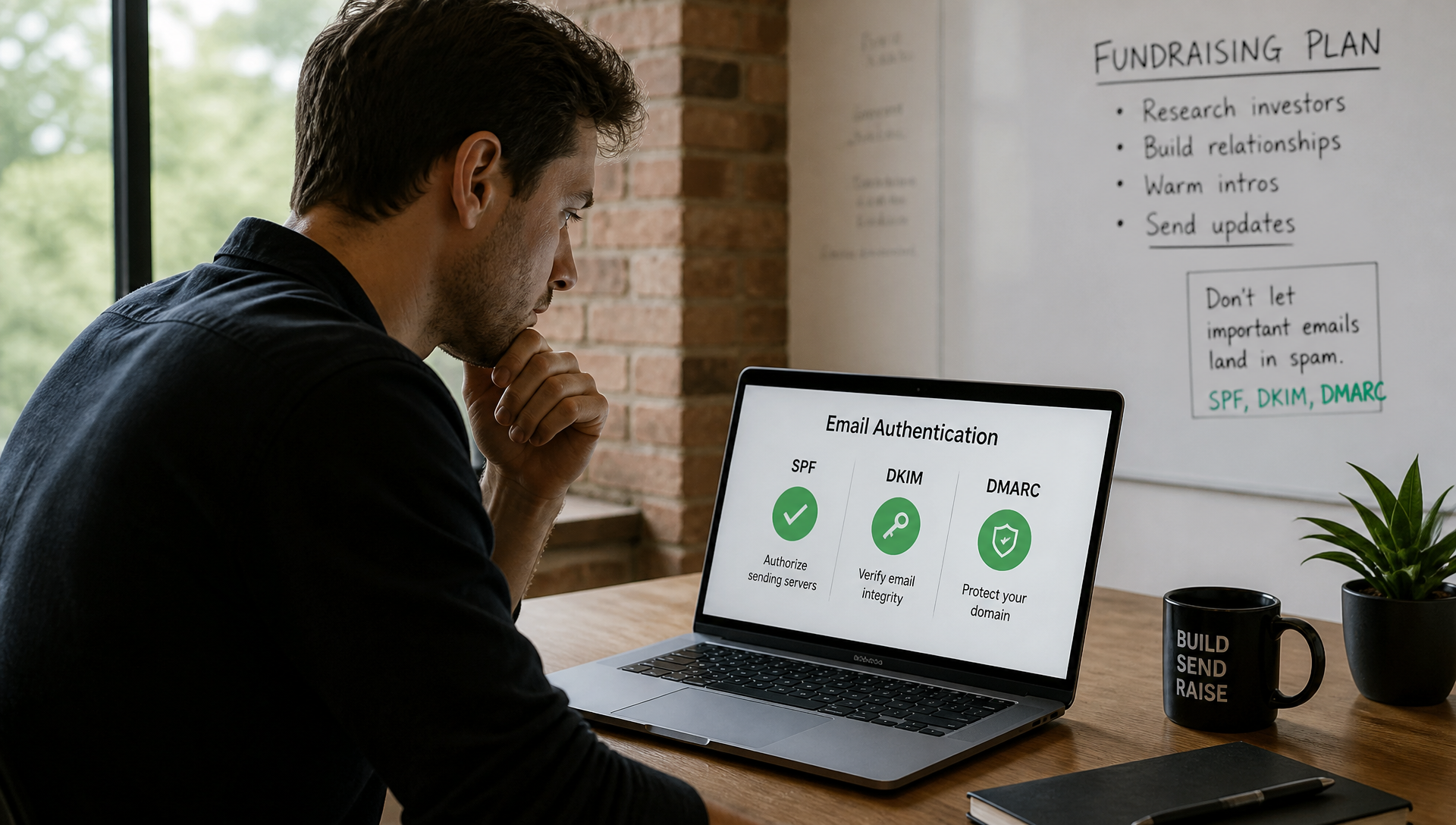
- SPF authorizes your sending servers
- DKIM signs and validates your messages
- DMARC enforces policy and gives you visibility through aggregate reports
- All three must work together and align with your “From” domain
- Every sending platform you use needs to be authenticated separately
Authentication is the technical floor, not the ceiling. Passing all three checks does not guarantee inbox placement.
Your domain reputation, sending volume, email content, personalization quality, and list hygiene all influence whether investor emails land where they should.
Founders who take authentication seriously protect their most important domain asset during the most important fundraising conversations they will have. Set it up correctly, test it regularly, and keep monitoring as your toolstack changes.
Frequently Asked Questions
What is the difference between SPF, DKIM, and DMARC?
SPF authorizes which servers can send mail for your domain. DKIM signs messages cryptographically to verify integrity. DMARC sits on top of both, setting policy for what happens when checks fail and reporting on sending activity across your domain.
Will fixing SPF, DKIM, and DMARC guarantee my investor emails land in the inbox?
No. Authentication is the technical foundation, not a guarantee. Domain reputation, sending volume, content quality, and list hygiene all still affect inbox placement.
Do I need to authenticate every platform I use to send investor emails?
Yes. Any tool sending mail on your behalf — a CRM, sequencing tool, or email marketing platform — needs to be added to your SPF record and authenticated with DKIM separately.
Should I start with a strict DMARC policy?
No. Start with p=none to monitor authentication results without affecting delivery. Once you confirm all legitimate senders pass, gradually move to p=quarantine and eventually p=reject.
Should I use a subdomain for investor outreach?
A subdomain can help isolate scaled outbound campaigns from your main domain’s reputation, but it must be authenticated independently with its own SPF, DKIM, and DMARC records, and it still needs to build its own sending reputation over time.
Why are my emails still going to spam even after setting up authentication?
Common causes include unaligned SPF or DKIM, a new domain with no sending history, sending volume spikes, spammy content signals, or an unauthenticated platform sending on your behalf. Work through each cause systematically using message headers and DMARC reports.